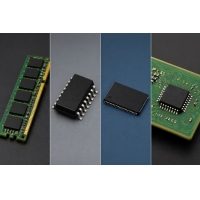
DRAM, SRAM, Flash, and NVRAM are all important memory types, but each one serves a different purpose in modern electronic systems. This article explains what each memory type is, compares their key differences in speed, cost, capacity, and data retention, clears up common misconceptions, shows where they are used, and helps you choose the right memory based on your project needs.
Catalog
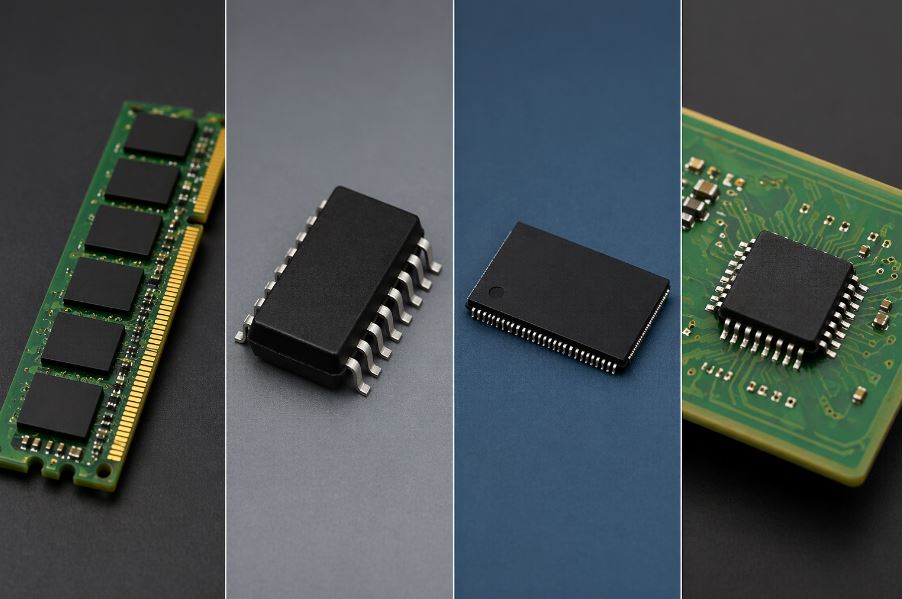
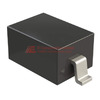
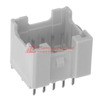
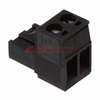
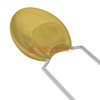
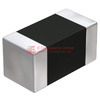
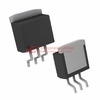
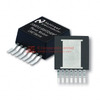
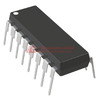
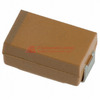
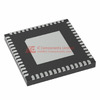
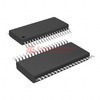
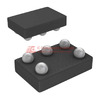
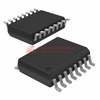
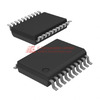
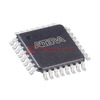
Figure 1: DRAM, SRAM, Flash, and NVRAM
DRAM (Dynamic Random Access Memory)
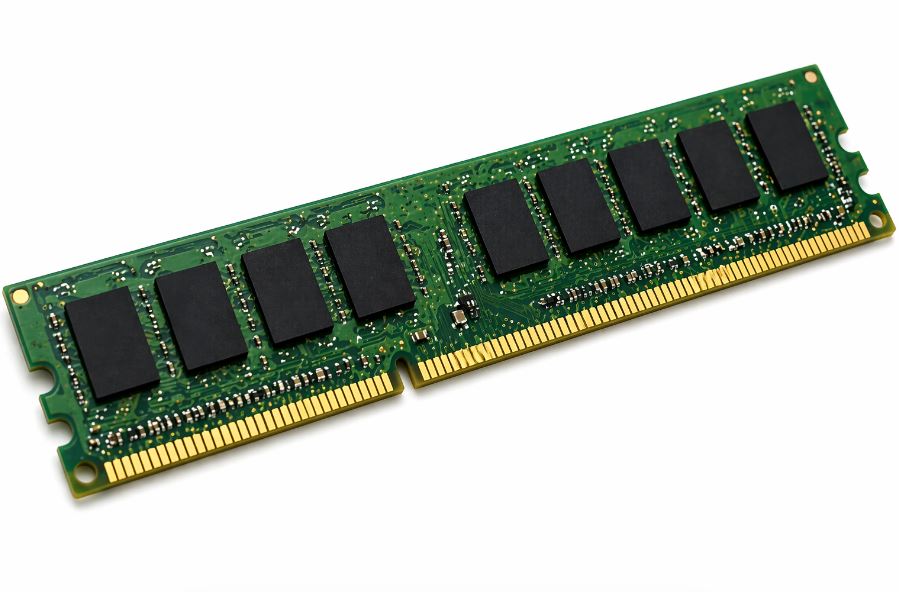
Figure 2: DRAM
DRAM is the main memory used in computers. It stores data while your system is running, making it essential for everyday tasks. However, DRAM is volatile memory, so it loses data when power is turned off. It is widely used because it provides high capacity at a lower cost.
SRAM (Static Random Access Memory)
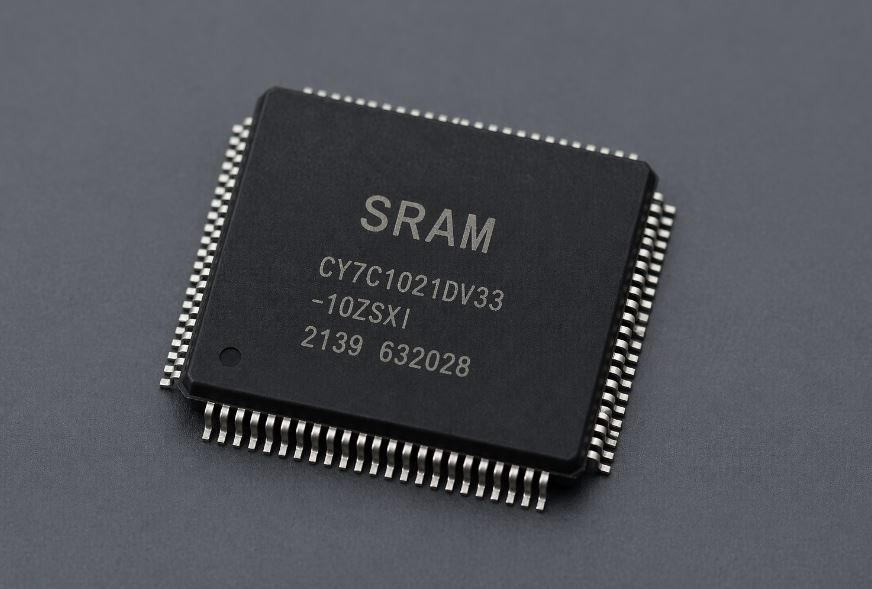
Figure 3: SRAM
SRAM is faster than DRAM because it does not need to refresh data. This allows it to deliver very fast access speeds, which makes it suitable for high-speed operations. However, SRAM is more expensive and has lower capacity, so it is only used in small amounts.
Flash Memory
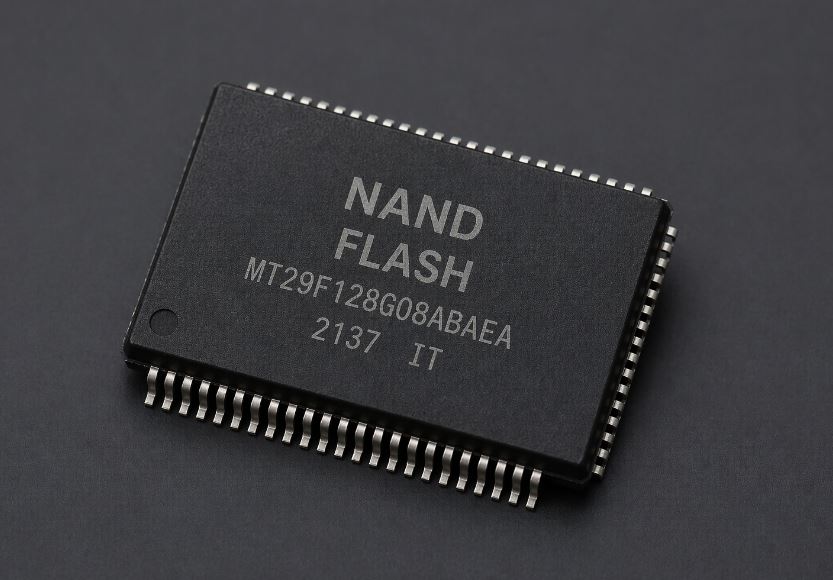
Figure 4: Flash memory
Flash memory is a type of non-volatile memory, meaning it keeps data even when power is off. It is commonly used in SSDs, USB drives, and smartphones. Although it is slower than DRAM and SRAM, it is reliable for long-term data storage.
NVRAM (Non-Volatile Random Access Memory)
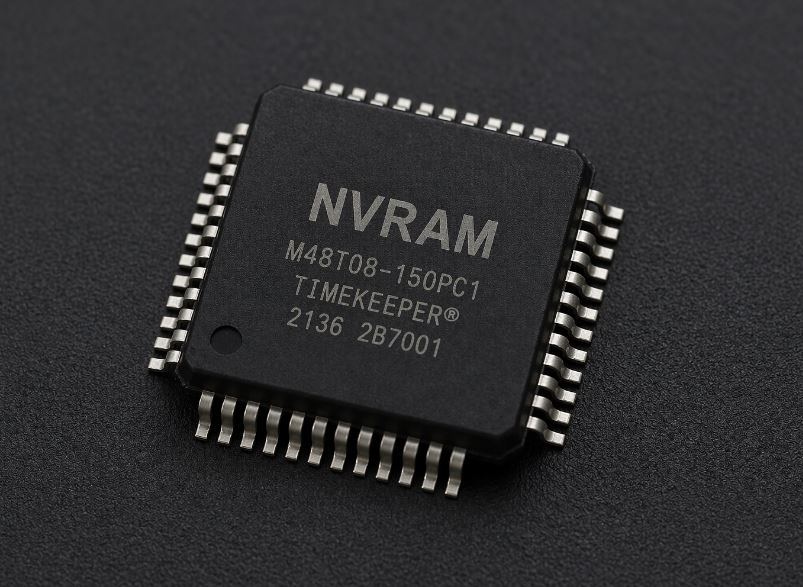
Figure 4: NVRAM
NVRAM also retains data without power, but it is often faster than Flash in certain applications. It is typically used in BIOS settings and embedded systems, where saving important data is necessary.
Feature
|
DRAM (Dynamic
RAM)
|
SRAM (Static
RAM)
|
Flash Memory
|
NVRAM
(Non-Volatile RAM)
|
Memory Type
|
Volatile
memory
|
Volatile
memory
|
Non-volatile
memory
|
Non-volatile
memory
|
Data
Retention
|
Loses data
without power
|
Loses data
without power
|
Retains data
without power
|
Retains data
without power
|
Speed
|
Medium speed
|
Very fast
|
Slow compared
to RAM
|
Fast (faster
than Flash in some cases)
|
Refresh
Requirement
|
Requires
constant refresh
|
No refresh
needed
|
No refresh
needed
|
No refresh
needed
|
Cost
|
Low cost
|
Very high
cost
|
Moderate cost
|
High cost
|
Capacity
|
High capacity
|
Low capacity
|
High capacity
|
Medium
capacity
|
Power
Consumption
|
Moderate
|
Low
|
Low
|
Low to
moderate
|
Durability
|
Moderate
|
High
|
Limited write
cycles
|
High
reliability
|
Performance
Role
|
General
system memory
|
High-speed
cache memory
|
Data storage
|
Fast data
retention memory
|
Efficiency
|
Balanced
performance and cost
|
High
performance, low efficiency per cost
|
Efficient for
storage
|
Efficient for
critical data retention
|
Myth
|
Fact
|
Flash memory
is the same as RAM
|
Flash memory
is non-volatile storage, while DRAM and SRAM are volatile memory used for
fast processing
|
NVRAM is just
Flash memory
|
NVRAM is
designed for faster access and data retention, making it different from
standard Flash memory
|
SRAM can
replace DRAM in all systems
|
SRAM is
faster but too expensive and low in capacity, so it cannot replace DRAM for
general use
|
Non-volatile
memory never loses data
|
Flash memory
has limited write cycles and can wear out over time
|
All memory
types perform the same
|
DRAM, SRAM,
Flash, and NVRAM differ in speed, cost, power, and purpose
|
Faster memory
is always better
|
The best
memory depends on the specific use case, cost, and system requirements
|
• DRAM (Dynamic RAM) – Used as main memory (RAM modules) in desktops, laptops, and servers to run operating systems and applications
• SRAM (Static RAM) – Used as CPU cache (L1, L2, L3 cache) inside processors to speed up data access during computations
• Flash Memory – Used in SSDs, USB flash drives, and smartphone internal storage to store files, apps, and operating systems
• NVRAM (Non-Volatile RAM) – Used in BIOS/UEFI firmware, routers, and embedded systems to store system settings and configuration data
Choosing between DRAM, SRAM, Flash, and NVRAM depends on your needs for speed, cost, storage, and reliability. If you need very fast performance, choose SRAM, while DRAM is better for a balance of speed and cost. If your system must keep data without power, use Flash memory for storage or NVRAM for important data with faster access. Also consider budget, since DRAM is affordable, SRAM is expensive, Flash is cost-effective, and NVRAM costs more but is more reliable. In simple terms, choose based on your priority: speed (SRAM), balance (DRAM), storage (Flash), or reliable data retention (NVRAM).
DRAM, SRAM, Flash, and NVRAM differ in how they store data, how fast they operate, and how they balance cost, capacity, and reliability. DRAM is best for affordable main memory, SRAM offers the highest speed for cache, Flash provides reliable long-term storage, and NVRAM combines data retention with faster access for critical functions. Understanding these differences makes it easier to choose the right memory type for better system performance, storage efficiency, and reliability.
Jaa tämä viesti